
How the voice mail service works

You
- Copy the message text
in the window in your personal account. - Choose the voice and time of sending.
- Listening to the result.
- Get a delivery report
and the time of listening to the message.
Voice message
- Automatically translates from text to voice.
- Delivered to mobile devices
and landline numbers. - Comes from the phone number of the sending company.
- Automatically repeats the call if it is busy.
Client
- Gets information about your business: availability, promotions
or a new service. - Gives feedback through direct dialogues (by number
on the keyboard). - Hears the voice of the brand
and makes a decision
about the purchase.
It is not allowed to send Voice messages containing confirmation codes for authorization in applications, services, or websites..
Try it yourself
Write any text, choose a male or female voice, andfind out how the customer will hear you.
Male voice Women's

For short service messages, you can use automatic voice-over.
Choose one of the six votes in your personal account.
Choose one of the six votes in your personal account.
A way to get feedback
Voice mailings work as an additional tool to increase sales and increase customer loyalty.
With the help of newsletters, you can conduct a survey about the quality of the service and get an opinion about the work of the company
Few people will come to your site to write reviews, but most will answer a few simple questions over the phone.

Customers get a new experience of interacting with you,
and you — another opportunity to collect information
and fix the bugs.
and you — another opportunity to collect information
and fix the bugs.
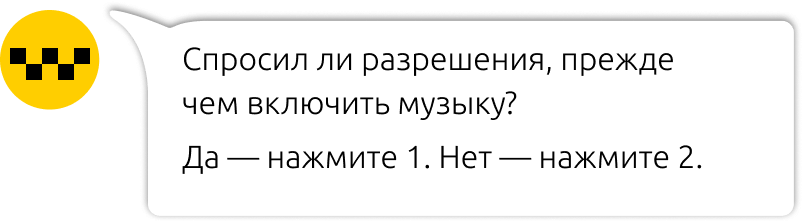
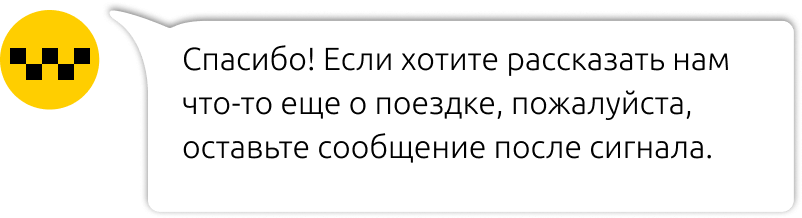
In a taxi






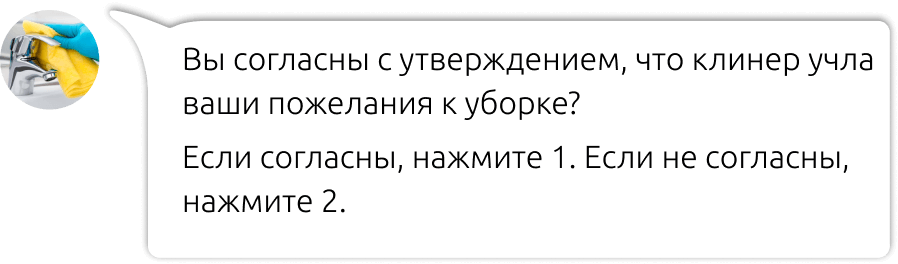
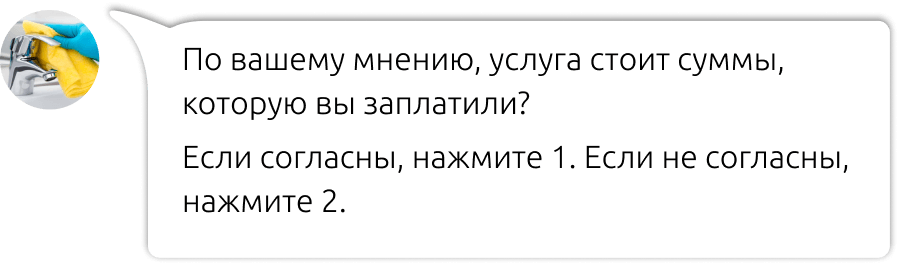
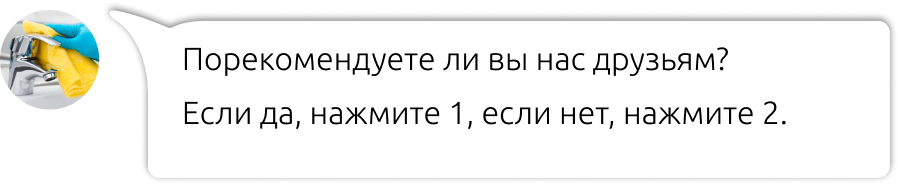
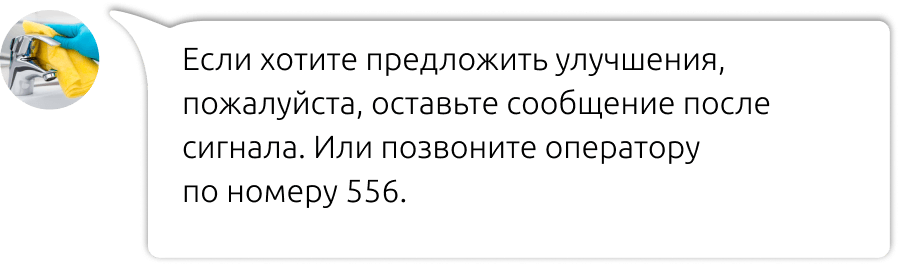
In a cleaning company






Where mailing lists are applicable and useful
With the help of voice mailings, you can communicate any news at the same time to all customers from the contact database. Audio messages attract more attention
and stand out against the background of text communication. All you need to do is write the text of the message and upload it to your personal account. Voice-over, delivery, and report
about the duration of listening — follow us.
and stand out against the background of text communication. All you need to do is write the text of the message and upload it to your personal account. Voice-over, delivery, and report
about the duration of listening — follow us.

1Tell about the news and invite to the event
Anton, we give you two invitations to a lecture on the fashion trends of the new year. Find out what will be at the peak of fashion and how to get there. Presenter-Alexander Vasiliev specially for DressCode.
2Inform about promotions, events and special offers
Pavel! We are waiting for you to visit the New Year's Eve sale of any gifts from 1000 P. Only from 28 to 31 December. Tell your loved ones how important and dear they are to you! We are waiting for you at the address Krasny Prospekt, house 17.

3Remind about
loan repayment Inna! We remind you that on 01.12.2018, your loan debt is 35 thousand rubles. The monthly contribution amount is 8 thousand rubles. Make a monthly payment before 10 December to avoid interest charges. Thank you for staying with us. Your Intro Bank.
loan repayment Inna! We remind you that on 01.12.2018, your loan debt is 35 thousand rubles. The monthly contribution amount is 8 thousand rubles. Make a monthly payment before 10 December to avoid interest charges. Thank you for staying with us. Your Intro Bank.
4Happy holidays: happy birthday, Happy New Year, 8 March
We give you a 15% discount for your Birthday on any decoration in the network of Platinum salons. Treat yourself to the pleasure of luxury.
New collection on sale from 15 January.
New collection on sale from 15 January.
5Inform about the readiness or status of the order
The taxi pulled up. You will find the driver Ruslan, car number U4567RA. Have a nice trip!

Download the finished audio or record a voice message from the microphone in your personal account.
Select only those customers who have agreed to receive calls from your company (for example, you specified your phone number in the application form, order form, or when registering on the site).
Select only those customers who have agreed to receive calls from your company (for example, you specified your phone number in the application form, order form, or when registering on the site).
 ability to send in advance
recorded audio files
 recording a voice message
from the microphone in your personal account
The cost of voice mail
number of clients
| Message duration | Number of messages | Cost of sending | Message cost | |
| sec. |
0 |
0 |
1 | |
|
* the cost depends on the minimum payment deposited to the account.
Data on tariff plans can be viewed on the pagePricing plans. | ||||
How to activate the service
1 
Register now in the SMS center service
2 
Enter into an agreement and top up your account
for any amount
3 
Copy the text or download the audio in your personal account
Integrate your personal account
our service with its own CRM system and track the effectiveness of the user-friendly
for you in a way.
our service with its own CRM system and track the effectiveness of the user-friendly
for you in a way.
You can set up the voice mail yourself or contact the support service operators. For automated mailings from programs, you can send them via the API. HTTP and HTTPS, SMTP, SOAP, and SMPP protocols are supported.